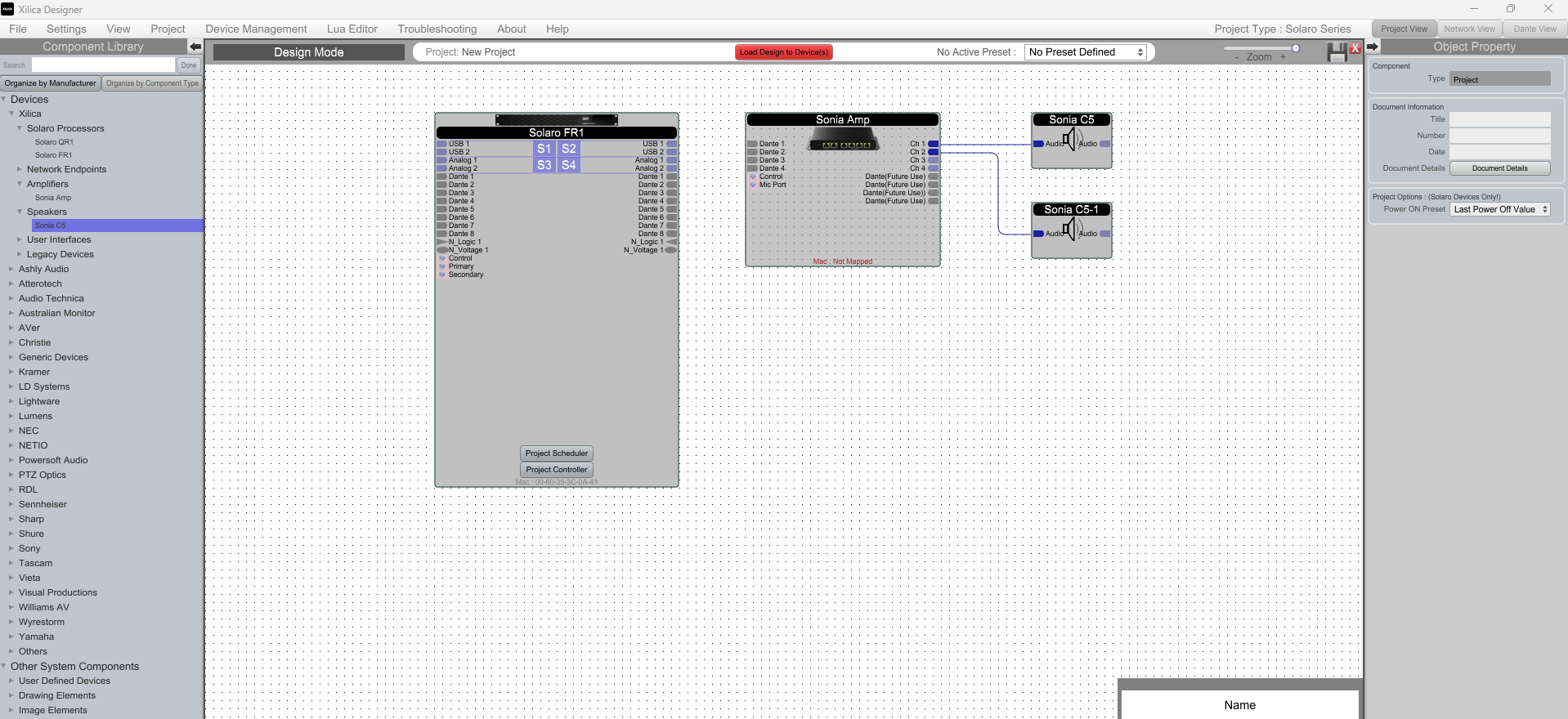
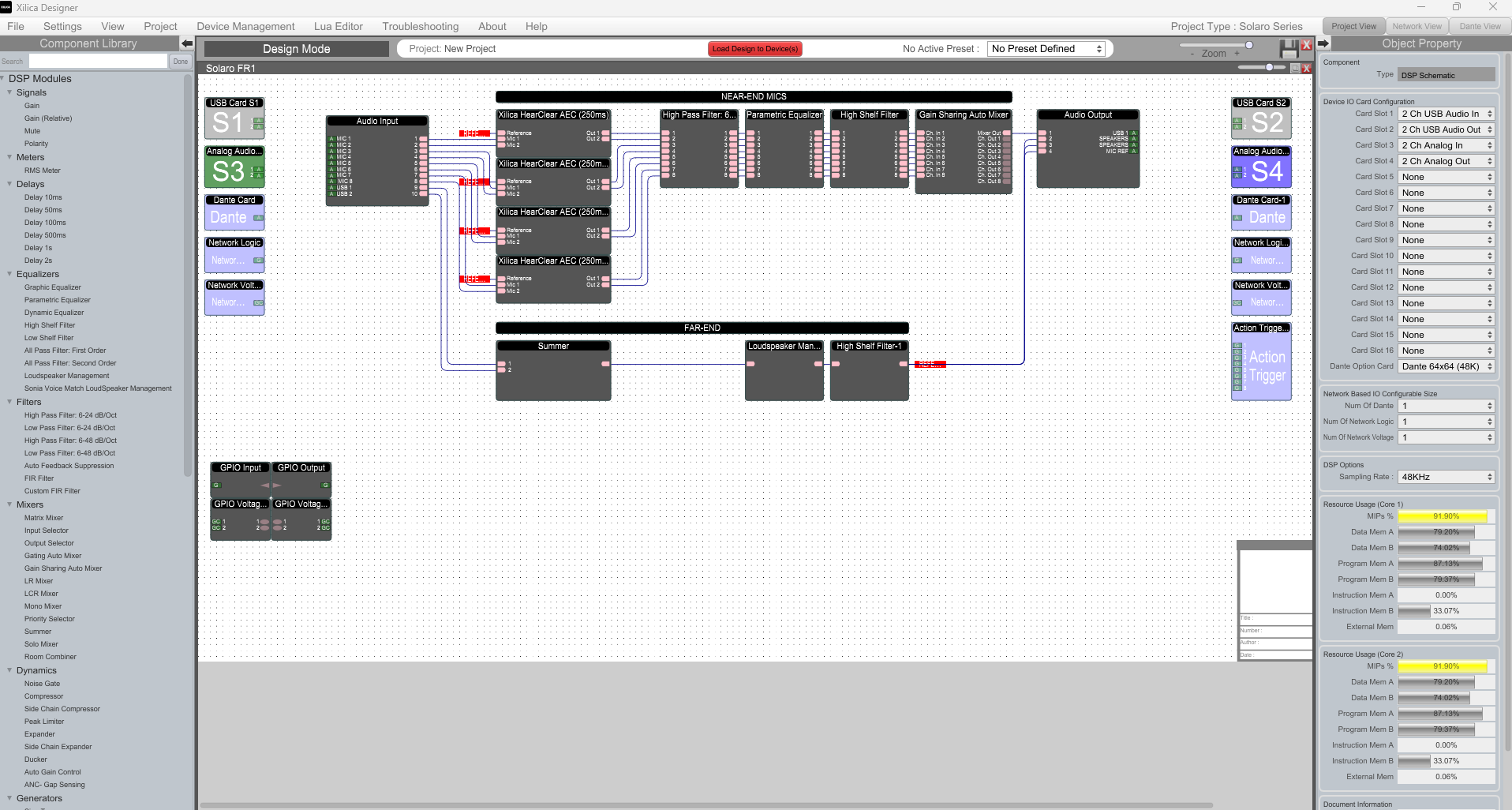
Xilica Designer software allows for 2 different methods of creating a new project file, depending on whether you have access to the hardware or not.
1. No hardware online
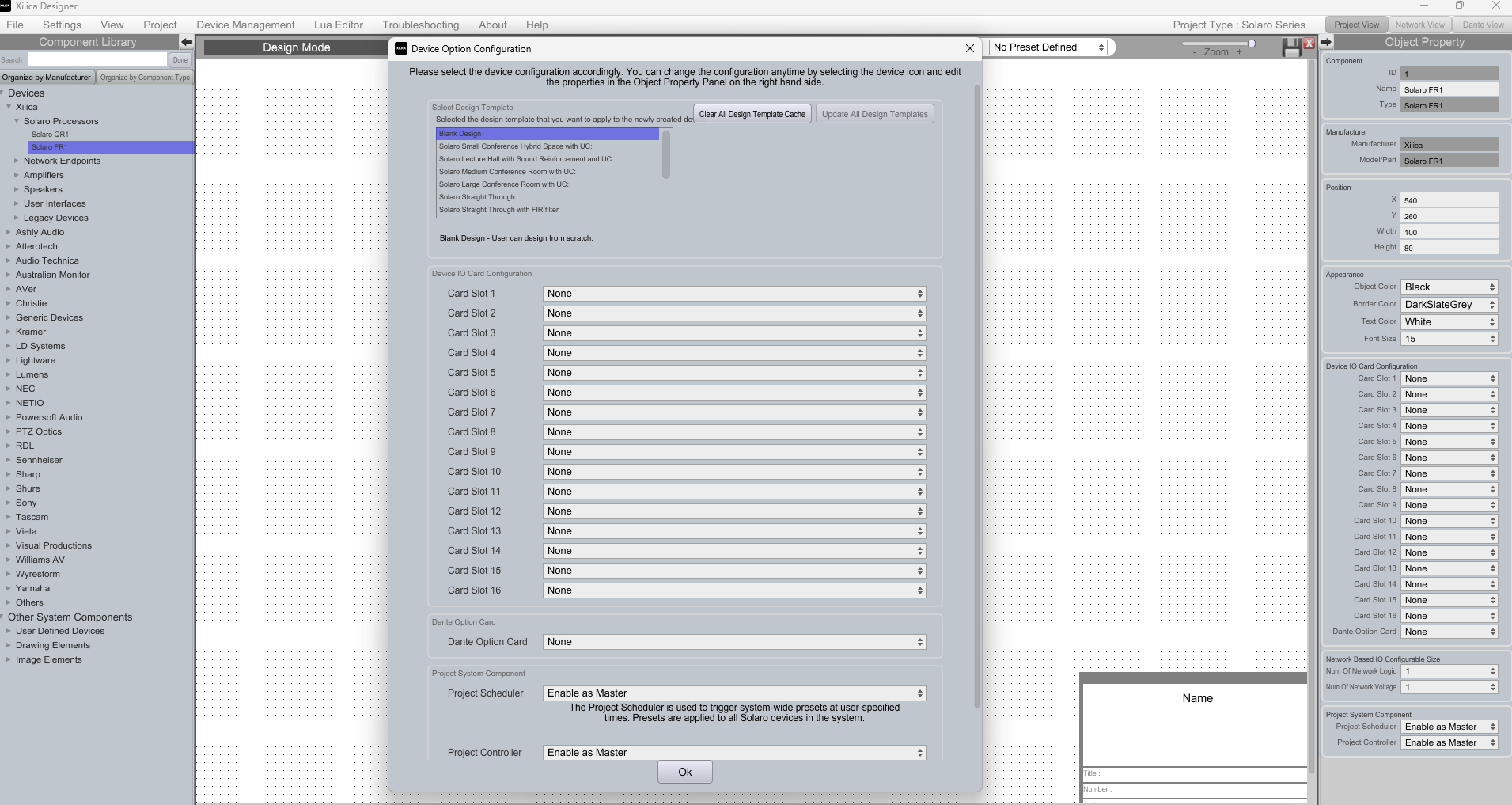
If you are programming offsite or do not have access to the hardware, you can create a project from the File menu then select your DSP model from the device tree from the Component Library on the left hand size and drop it onto the canvas.
Due to the flexible, modular nature of the Solaro platform, you will be presented with a popup to specify which slots have a card installed in them. This must match your hardware setup otherwise the program will not operate correctly.
You can then choose to show the Dante channels if you have a QR1 or FR1-D.
Xilica Designer also comes with some example designs that you can use in their entirety or modify based on your project.
2. Hardware online
Start in Network view and when all your devices are online, click on them to highlight them (Ctrl + Click to select multiple), then select 'Create New Project from Selected Device(s)'.

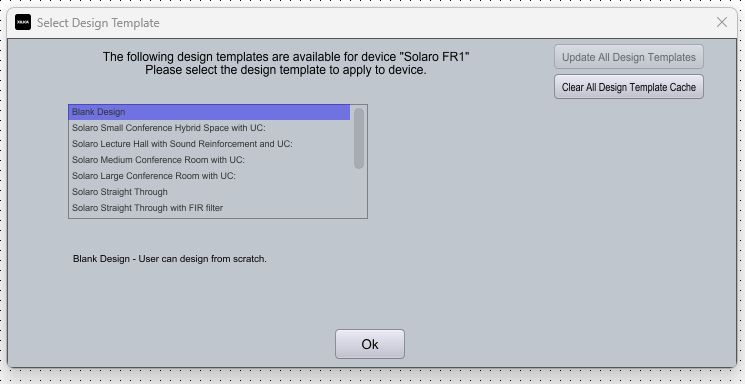
You will then be shown the Select Design Template menu. The option to select your card slots is not available as you have already selected the online device, so the software detects the cards that are installed into the DS
Now your project has been created, you can then add more devices from the Component Library to build your system, and then double click on a device to program it.